

A practical, Vancouver-focused guide to selecting, costing, and migrating to cloud platforms — with vendor selection criteria, migration checklist, and architecture templates you can reuse.
- TL;DR / Quick Answer
- What Is Cloud Computing for Vancouver Businesses?
- How Much Does Cloud Adoption Cost for a Vancouver Business?
- How Do I Choose a Cloud Vendor and Plan Migration in Vancouver?
- What Is a Practical Cloud Migration Checklist Vancouver Teams Can Use?
- What Cloud Architecture Templates Should Vancouver Startups and SMEs Use?
- Key Takeaways
- FAQ
TL;DR
Quick answer: Cloud Computing Vancouver cuts infrastructure costs and scales capacity fast.
Begin with a four-week discovery, run a six-week pilot, then phased migration.
Require Canadian data residency, clear SLAs, and local escalation paths from vendors.
What Is Cloud Computing for Vancouver Businesses?
Answer: Cloud Computing Vancouver means on-demand internet delivery of compute, storage, and platform services.
Providers expose services as IaaS, PaaS, and SaaS with pay‑per‑use billing.
For Vancouver companies, key constraints are data residency, latency to local regions, and hybrid networking.
Common Vancouver use cases include backups, dev/test, analytics, and seasonal scaling.
Backup and disaster recovery reduces outage costs and shortens recovery time.
Dev/test environments provision in minutes, slashing environment costs and cycle time.
Analytics and BI scale compute for large datasets without large capital purchases.
Local managed service providers matter for operational SLAs and hands-on response.
Local MSPs like Cloud9 Solutions and Microserve offer local support and managed services.
Work with a local MSP to meet PIPA and provincial compliance rules.
How Much Does Cloud Adoption Cost for a Vancouver Business?

Quick answer: initial cloud adoption for Vancouver businesses varies by scope and complexity.
Budget ranges: CAD 30,000–60,000 for a small SaaS MVP and CAD 60,000–250,000 for mid-market builds.
Development and staffing rates shape build costs and monthly budgets.
Vancouver development rates typically run CAD 100–200 per hour for agencies.
A dedicated developer retainer often costs CAD 8,000–18,000 per month.
Cloud operating costs scale by traffic and services used.
Expect monthly cloud spend from CAD 200 up to CAD 10,000+ depending on traffic.
One-time migration costs commonly range CAD 5,000–50,000 for data and integration work.
Timelines vary by scope and complexity.
Small migrations typically finish in 4–8 weeks; mid-market builds often take 3–6 months.
Stage delivery as prototype, MVP, then growth releases to limit early spend.
Pair the cloud project with our Digital Marketing Strategies for Vancouver Businesses to protect traffic and conversions.
How Do I Choose a Cloud Vendor and Plan Migration in Vancouver?
Answer: choose vendors by compliance, support, and proven regional projects.
Run discovery, pilot, staged migration, and quarterly optimization review cycles.
- Discovery: map apps, data sensitivity, integrations, latency, and compliance needs including PIPA.
- Pilot: validate a noncritical app under production-like load for up to 3 months.
- Migrate: migrate in phases, back up each stage, test rollback windows, and monitor.
- Optimize: rightsize instances, enable autoscaling, and review billing monthly for cost savings.
Vendor selection checklist
- Ask for SOC2 reports, recent pen-test summaries, and encryption details.
- Require local escalation paths, published SLAs, and clear pricing examples.
- Request case studies with Canadian deployments and measurable outcomes shown.
Cloud provider quick guide
- AWS suits serverless workloads and broad managed services across many regions.
- Azure suits Microsoft-heavy estates and hybrid identity with Active Directory.
- GCP suits data, analytics, and cost-effective networking for big datasets.
We pair cloud strategy with product work at TheCodeGiant in Vancouver.
Require verifiable security evidence and SLAs before shifting production traffic.
What Is a Practical Cloud Migration Checklist Vancouver Teams Can Use?
Answer: use a concise checklist covering inventory, security, data transfer, cutover, and rollback.
Follow measurable KPIs and testable steps to cap downtime under 2 hours.
- Inventory: inventory all services, dependencies, managed databases, queues, versions, and retention policies.
- Network & security: baseline bandwidth, firewall rules, VPC design, and identity providers before cutover.
- Data transfer: choose online sync, staged bulk transfer, or physical import and test checksums.
- Storage selection: select storage by redundancy, tiers, encryption, and retention to meet RTO/RPO.
- Staging & CI/CD: deploy blue/green or canary pipelines with automated tests and dry runs.
- Cutover plan: schedule off-hours cutovers, warm caches, update DNS TTL, and run smoke tests.
- Rollback: prepare rollback runbooks tied to canary metrics and explicit error budgets.
- Observability: instrument metrics, centralized logs, and tracing before la
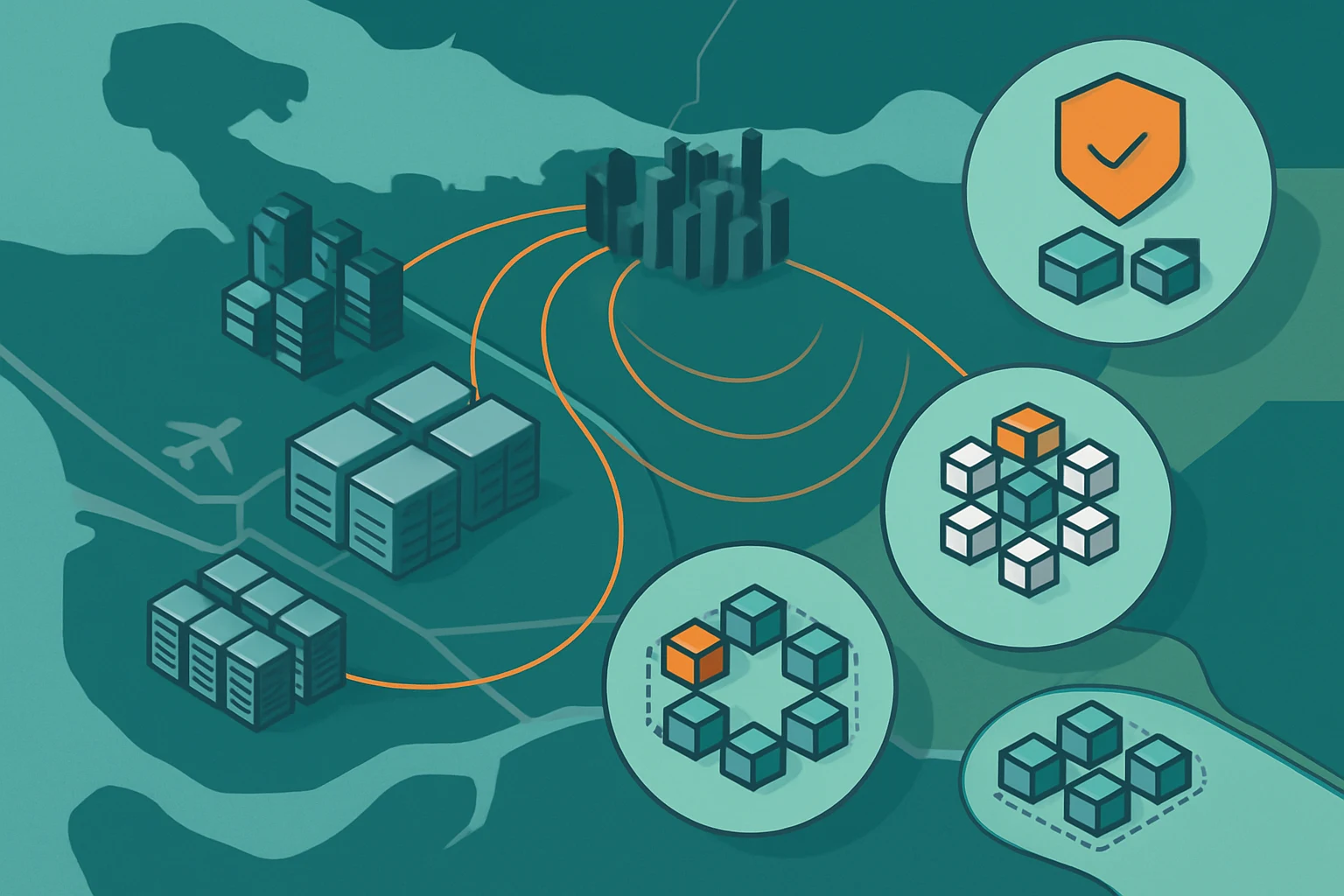
Isometric map showing network links and secure data zones unch for rapid triage.
Practical examples and thresholds
- Run a 1% canary for 24 hours or mirror writes for 7 days before full cutover.
- Target measurable KPIs such as 95th percentile latency, error rates below 0.5%, and steady CPU under 70%.
Local MSPs provide hands-on migration support and regional SLAs.
Local MSPs such as Cloud9 Solutions and Microserve offer migration SLAs and hands-on support.
What Cloud Architecture Templates Should Vancouver Startups and SMEs Use?
Answer: choose one of three templates: small SaaS MVP, mid-market microservices, or enterprise landing zone.
Match template to timeline, team size, and compliance needs.
Small SaaS MVP
- Timeline for a Small SaaS MVP is 3–4 months of work.
- Team typically includes 3–5 engineers focused on core features and testing.
- Core components are web/API, managed database, CDN, authentication, and CI/CD.
Mid-market microservices platform
- Mid-market microservices platforms take 6–12 months and require 6–12 engineers.
- Include SSO, API gateway, managed DB clusters, queues, CDN, and observability.
- Design for service contracts, versioned APIs, and CI/CD pipelines early.
Enterprise landing zone
- Enterprise landing zones run 12+ months and require cross‑functional teams.
- Core items include multi-account networking, IAM, encrypted databases, and audit logging.
- Add central observability, automated compliance checks, and strict RTO/RPO targets.
Cloud choice guidance and repeatable practices
- Choose AWS for broad serverless and managed services, Azure for Microsoft integration, and GCP for data workloads.
- Start with API-first contracts, containers, infrastructure-as-code, and staged CI/CD for repeatability.
- Pair architecture work with our 5 Essential Website Optimization Techniques for Vancouver Companies to protect SEO during migration.
Key Takeaways
Quick answer: start with a four-week discovery, a six-week pilot, and phased migration.
Prioritize data residency, local SLAs, verifiable security evidence, and pilot validation.
- Confirm Canadian data residency choices before designing storage and backups.
- Run a pilot on a noncritical app for 3–6 weeks with production-like load.
- Phase migrations: move low-risk services first, core systems later, track errors.
- Require SOC2 reports, encryption-at-rest, MFA, IAM, and recent pen-test summaries.
- Budget three cost buckets: build, migration, and monthly cloud operations.
- Use a local MSP for hands-on escalation and a global vendor for scale.
FAQ
Q: How much do managed cloud services cost for a small Vancouver business?
A: Typical managed plans run CAD 400–3,000 per month depending on services and SLAs.
Q: What SLA response times can Vancouver MSPs promise for critical incidents?
A: Many local MSPs publish 1–4 hour response times and 99.9% uptime SLAs.
Q: Can major cloud vendors keep customer data physically in Canada?
A: Yes; AWS Canada Central, Azure Canada Central, and Google Montreal keep data in Canada.
Q: How long does a small migration typically take for Vancouver SMBs?
A: Small migrations commonly finish in 3–4 months with a 3–5 person team.
Q: What security controls should Vancouver SMBs demand from a managed provider?
A: Require encryption at rest and in transit, MFA, RBAC, SOC2, and recent pen-tests.
Q: Which cloud use cases give fastest ROI for Vancouver retailers?
A: E-commerce scaling and pay-as-you-go storefronts show ROI in 3–9 months on average.
Q: How do Vancouver providers typically price data transfer and storage?
A: Typical object storage costs around USD 0.01–0.03 per GB‑month and egress USD 0.05–0.12 per GB.
Q: Should startups pick a local MSP or global cloud vendor for rapid scaling?
A: Use global vendors for scale and a local MSP for hands-on operations and compliance.
References
-
McKinsey: What is cloud computing
Cloud computing shifts infrastructure to remote providers (IaaS/PaaS/SaaS), reducing costs and enabling faster scalability.
-
Comprobusiness Vancouver managed IT guide
Prioritize response time, security posture, regulatory/compliance needs, hybrid integration capabilities, and clear pricing/SLAs when choosing a cloud partner.
-
Cloud9 Solutions
Cloud9 Solutions is a Vancouver-based managed IT and cloud provider offering local, responsive cloud support.
-
10 cloud computing use cases | Lumenalta
Common business cloud use cases include backup and disaster recovery, SaaS adoption, development/test environments, analytics, collaboration, and handling seasonal scalability.
-
What is cloud computing: Its uses and benefits | McKinsey
Cloud computing allows companies to store infrastructure remotely via the internet, reducing costs and creating value.
-
Business Cloud Storage Services | Computers Made Easy
Cloud storage services enable teams to access, sync, and share files across devices, but selection requires consideration of tiers, redundancy, and security.