

A practical, Vancouver-focused guide to WCAG 2.2 compliance: what rules apply, how to audit and remediate, cost ranges, rebuild vs refresh decision criteria, and a local action checklist plus FAQs.
- TL;DR — Quick answer
- What is web accessibility in Vancouver and which standards/laws apply?
- How do I audit my Vancouver website for WCAG compliance (step‑by‑step)?
- How much does accessibility remediation cost in Vancouver?
- When should you rebuild versus refresh your Vancouver website for accessibility?
- Key takeaways — actionable checklist for Vancouver teams
- FAQ
TL;DR — Quick answer
Web Accessibility Vancouver sites must meet WCAG 2.2 and follow provincial and federal standards.
Run automated scans, manual code review, and user tests, then prioritize fixes by risk.
What is web accessibility in Vancouver and which standards/laws apply?
Web accessibility in Vancouver means making websites usable by people with disabilities.
Follow WCAG 2.2, the Government of Canada Standard on Web Accessibility, and the Accessible British Columbia Act.
WCAG 2.2 is a W3C Recommendation published on 2023-11-27 with nine new success criteria.
The nine criteria focus on focus visibility, target size, and mobile interactions.
The Government of Canada Standard on Web Accessibility explicitly references WCAG 2.2 for federal public sites.
The Accessible British Columbia Act requires provincial organizations to publish accessibility plans and reports.
Private businesses face procurement and reputation risks but do not have uniform provincial enforcement.
City of Vancouver procurement guides provide local contract language for accessibility clauses.
See our Vancouver website optimization — performance, accessibility, and SEO guide for remediation decision steps.
Aim for WCAG 2.2 AA conformance for most public sector and procurement requirements.
W3C's ISO approval occurred on 2025-10-21, increasing procurement scrutiny for public contracts.
Budget timelines typically span three to nine months for public sector compliance projects.
Contact accessibility officers early in procurement to include testing and reporting requirements.
How do I audit my Vancouver website for WCAG compliance (step‑by‑step)?

Run a scoped audit combining automated scans, manual checks, and user testing.
Scope pages, target WCAG 2.2 success criteria, and measure performance metrics like LCP.
- Inventory pages and templates, prioritize the top 20 high-traffic pages for testing.
- Run automated tools: axe, Lighthouse, WAVE, and Pa11y to find obvious failures.
- Perform manual checks: keyboard navigation, semantic headings, ARIA usage, and color contrast.
- Test assistive tech with NVDA, VoiceOver, and JAWS on desktop and mobile.
- Run usability tests with at least three users with disabilities for real interaction feedback.
- Measure performance: LCP ≤ 2.5 s, INP ≤ 200 ms, and CLS ≤ 0.1 across pages.
Deliver a remediation backlog listing issues, pages, owners, and estimated lift hours.
Set KPIs like percent accessible pages and number of regressions per release.
Integrate automated checks into CI to catch regressions before production deploys.
Build a testing matrix using StatCounter Canada device share to pick responsive breakpoints.
Test at desktop, tablet, and mobile widths and record failures per viewport.
How much does accessibility remediation cost in Vancouver?
Remediation costs in Vancouver vary from CAD 3,000 for small sites to CAD 250,000 for enterprise rebuilds.
Expect typical ranges: small sites CAD 3,000–10,000, midsize CAD 10,000–50,000, enterprise CAD 50,000–250,000.
Page count increases manual review hours and content remediation costs linearly.
CMS constraints and locked templates force engineering work and raise costs.
Heavy JavaScript frameworks require component rewrites, increasing both audit and remediation time.
A rebuild often becomes cheaper when more than 25% of pageviews fail Core Web Vitals.
Expect consultant rates around CAD 100–180 per hour for manual audits and remediation.
A 50-page remediation with moderate complexity typically costs CAD 15,000–35,000<
/strong>. Ongoing testing retainers commonly run CAD 800–3,000/month to manage regressions and legal risk. Pair accessibility work with performance improvements to avoid repeated fixes and lower total cost. See our Vancouver website optimization — performance, accessibility, and SEO guide for rebuild versus refresh thresholds and costing examples. Include vendors' accessibility commitments and KPIs in RFPs to avoid scope creep. Rebuild when architecture prevents reliable WCAG 2.2 fixes or when Core Web Vitals fail broadly. Refresh when templates and the component library allow patching without structural rewrites. If over 25% of pageviews miss LCP ≤ 2.5 s or INP ≤ 200 ms, plan a rebuild. Inventory legacy templates and count components that need rewrites to estimate effort. Calculate remediation hours and compare to rebuild estimates to decide cost-effectively. Audit performance and accessibility to determine whether architecture blocks required fixes. Measure pageview distribution to identify if failure rates exceed the 25% rebuild trigger. Estimate developer-days for template rewrites and component refactors for the highest traffic templates. Compare remediation cost to rebuild cost, adding migration and SEO preservation hours. Run user testing with people with disabilities during both remediation and post-launch validation. Include accessibility KPIs and rollback clauses in vendor contracts to enforce quality and timelines. Example: a 100-page site with heavy JS commonly needs a rebuild costing CAD 80,000–150,000. If estimated remediation exceeds 300 developer-hours, rebuilding typically yields lower long-term maintenance costs. Schedule a two-week audit sprint to gather exact measures before committing to rebuild decisions. Key takeaways summarize immediate actions Vancouver teams should take for accessibility. Follow WCAG 2.2, audit, prioritize fixes, and add accessibility KPIs to procurement language. Start with a two-week audit sprint and publish an accessibility statement with a roadmap. Estimate remediation velocity as pages fixed per developer-week to plan sprints accurately. Budget 40–80 developer-hours for each complex template rewrite and 8–16 hours per content page fix. Assign an accessibility owner to track KPIs, vendor deliverables, and remediation deadlines. This FAQ answers common questions about accessibility compliance and remediation in Vancouver. Each pair gives a direct answer followed by a short explanation and example. Q: When should we call local accessibility consultants for Vancouver projects? A: Hire consultants if remediation exceeds internal capacity or architecture blocks fixes. Q: How often should we audit our site for accessibility regressions? A: Run full audits annually and automated scans in every major release pipeline. Q: What WCAG level should Vancouver public-sector websites meet for procurement? A: Aim for WCAG 2.2 AA conformance to satisfy federal and provincial procurement standards. Q: How long does remediation take for a 50-page site in Vancouver? A: Expect four to ten weeks, including a two-week audit and user testing phases. Q: What automated tools detect the most WCAG 2.2 issues for Vancouver sites? A: Use axe, Lighthouse, WAVE, Pa11y, and Siteimprove together for broader coverage. Q: How does the Accessible British Columbia Act affect private businesses? A: It sets planning and reporting expectations and encourages published accessibility roadmaps. Q: Which WCAG 2.2 success criteria matter most for mobile-first Vancouver sites? A: Focus on 2.4.11 focus appearance and 2.5.7 target size to improve touch usability. Contact The Code Giant for Vancouver accessibility audits, remediation roadmaps, and procurement support. See our Vancouver website optimization — performance, accessibility, and SEO post for tactical testing matrices. Read Digital marketing strategies for Vancouver businesses — context for local audience needs for local audience testing priorities.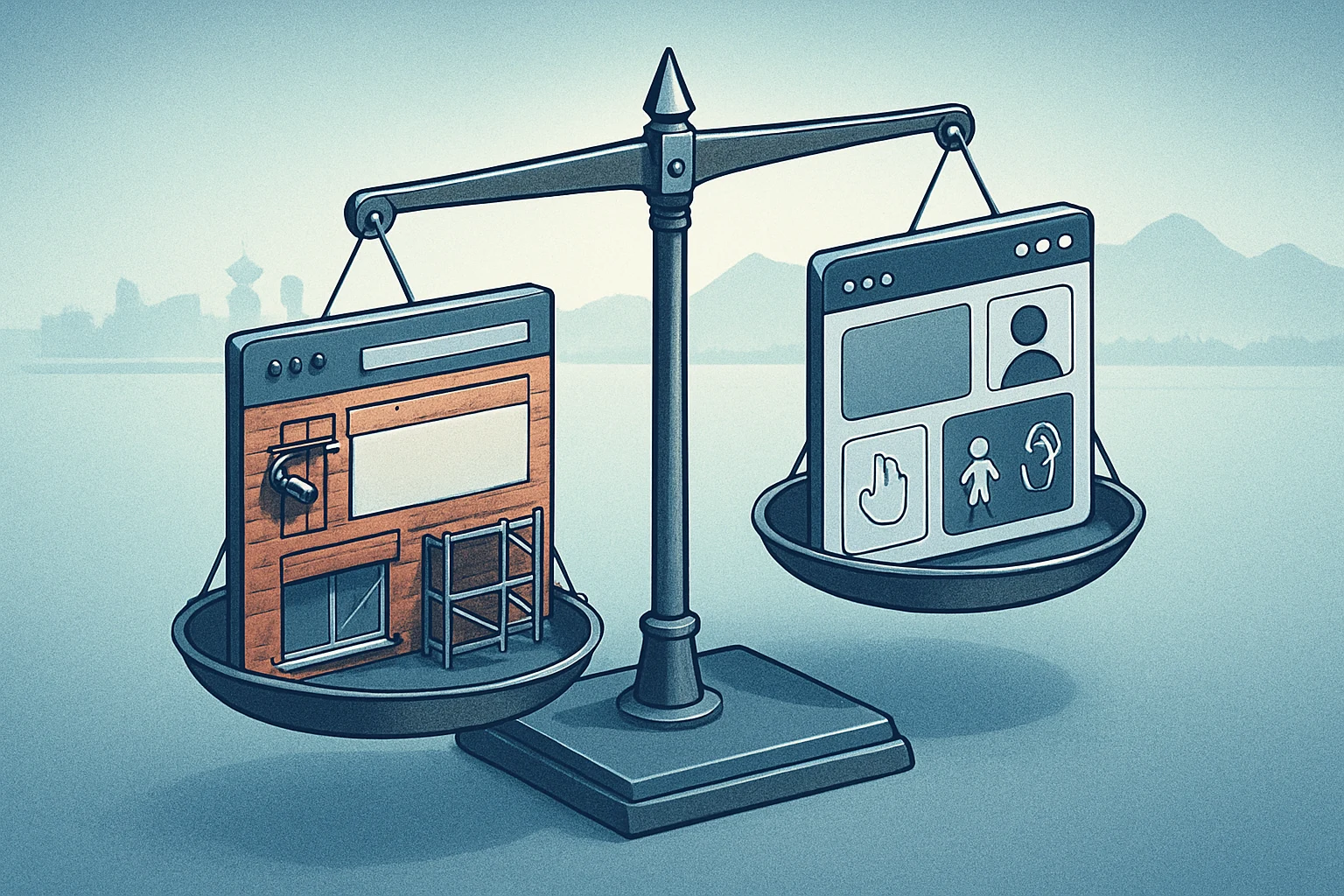
When should you rebuild versus refresh your Vancouver website for accessibility?
Key takeaways — actionable checklist for Vancouver teams
FAQ
References
WCAG 2.2 is the W3C Recommendation that defines the latest success criteria for web accessibility.
WCAG 2.2 added nine new success criteria compared to WCAG 2.1.
The Government of Canada’s Standard on Web Accessibility references WCAG as the benchmark for federal public-sector sites.